

- Discover
-
Products
Explore our products

Apps & Services
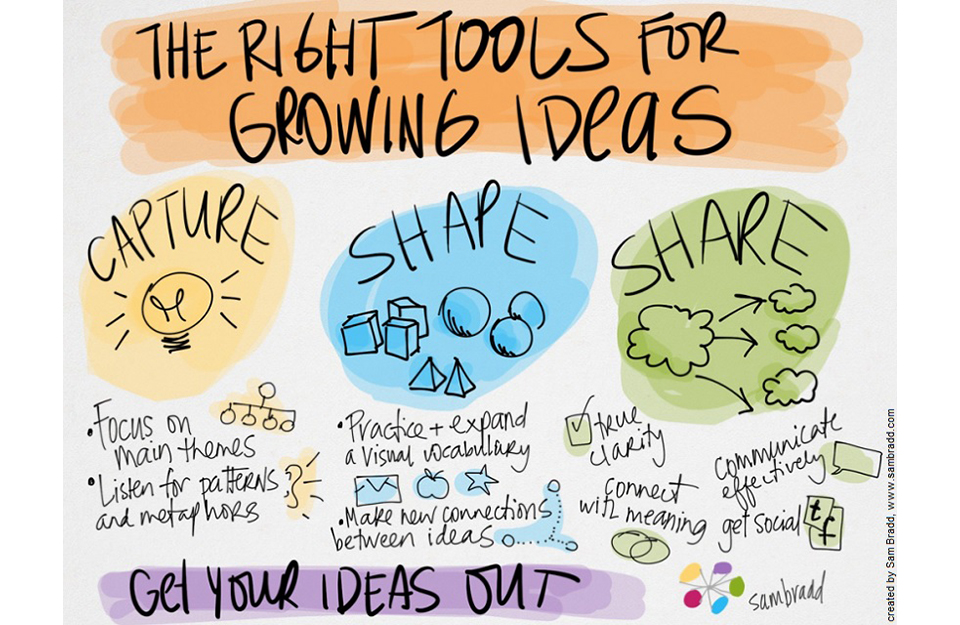
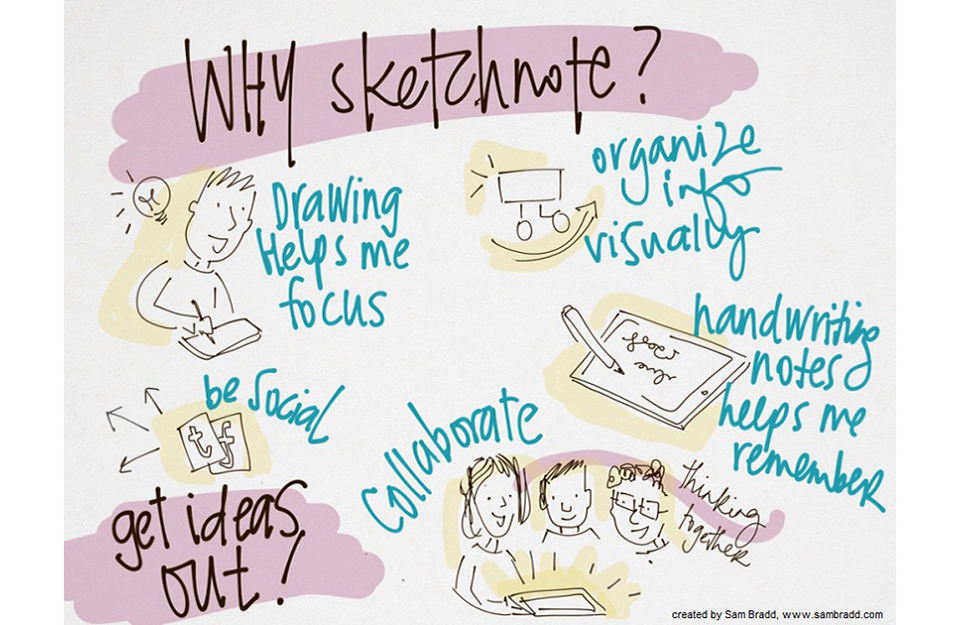
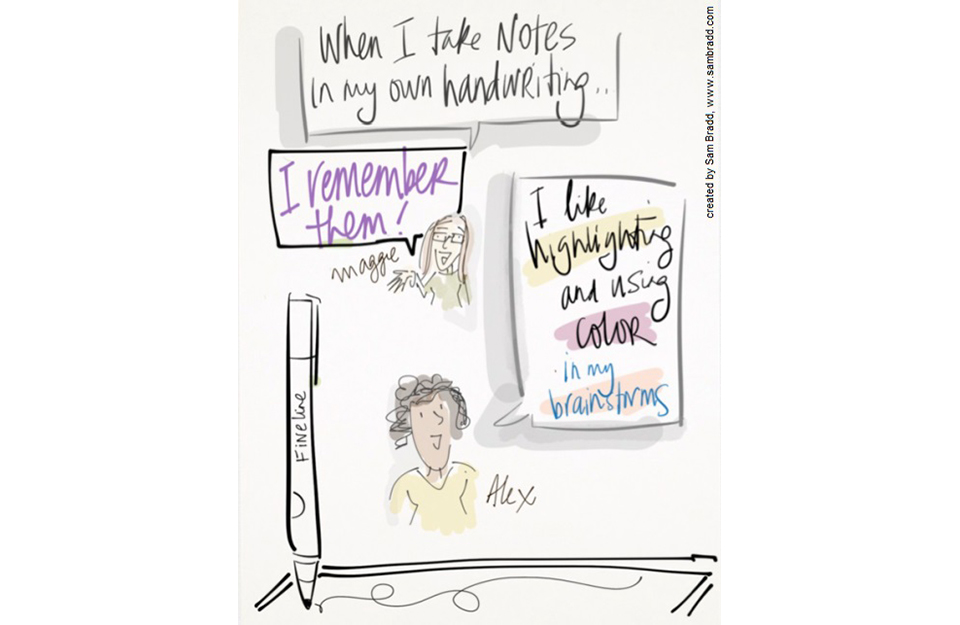
Helping you capture your thoughts and ideas.
-
Enterprise
Wacom for Enterprise

Signature
SolutionsReview, annotate, and sign digital documents with Wacom hardware and software solutions.

Creative Workflow Solutions
Enhance your creative process with professional pen displays, pen tablets and creative software integration.

Technology
SolutionsOptimization and efficiency technologies for the world's leading businesses.

Wacom Ink Technologies
A universal inking engine and ink layer framework which connects hardware, software and applications.

Creative Education
Solutions to help educators and students create, communicate and maximize the learning experience.
-
Education

Creative Education
Inspire your students to expand their creative horizons and prepare them for successful careers in art and design.

General Education/STEM
Supporting teachers and students to adapt to new learning environments.
Creative Kids
Redeem your $100 Creative Kids voucher (For NSW residents only)
- Support
- Store


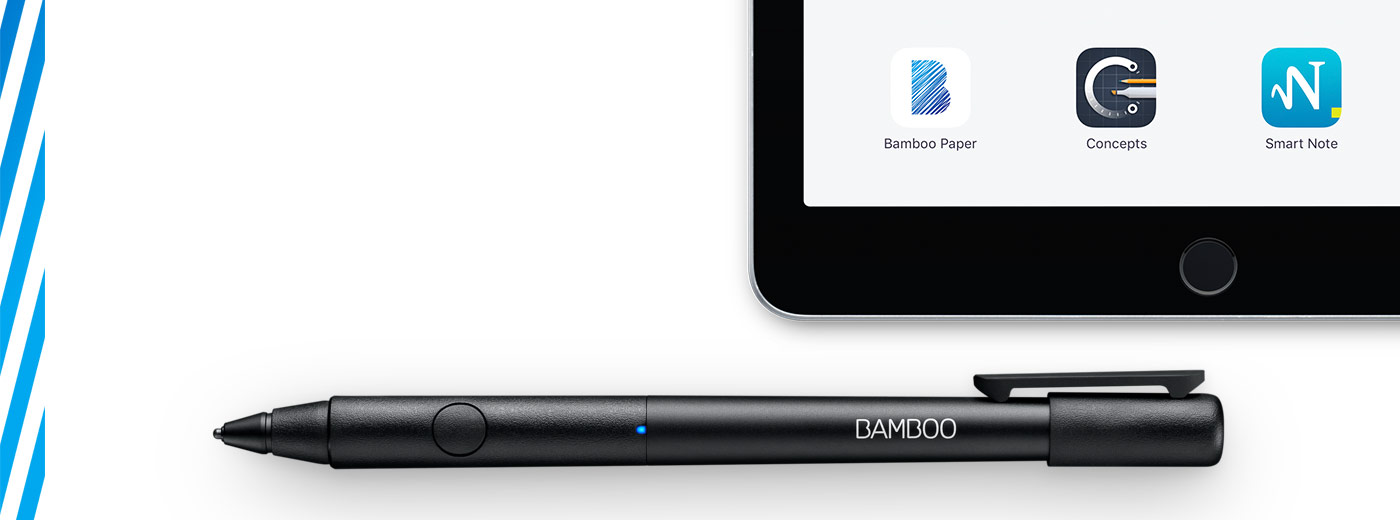

Get started with your Bamboo Fineline 2
Here's where to learn how to set up your stylus and pair it with some great apps. Below we have an easy step-by-step description for you and some videos to show how the app pairing works.
More Info?
Go to the product page to learn more
about the Bamboo Fineline 2.
Get Started
Just scroll down to get started
with your Bamboo Fineline 2.
1st Generation?
To get started with a Bamboo Stylus fineline
(1st Generation) click here.

|
|
|
|
|
Charge your stylus by connecting it to your computer |
Your stylus is ready when the LED turns off. |




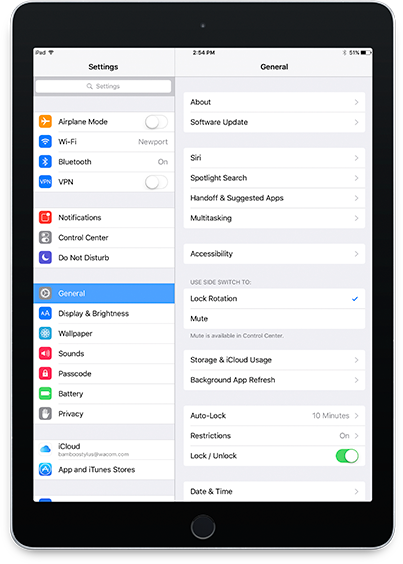
Open your iPad settings.
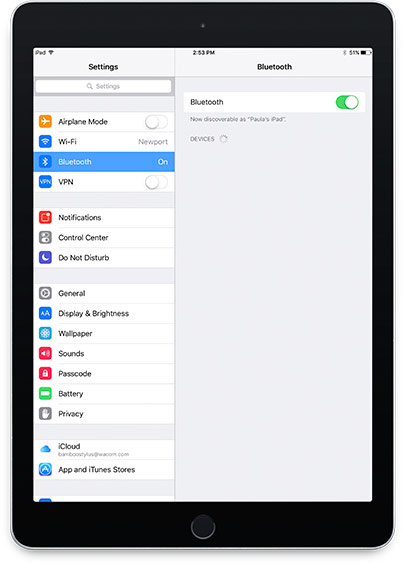
Activate Bluetooth® wireless.
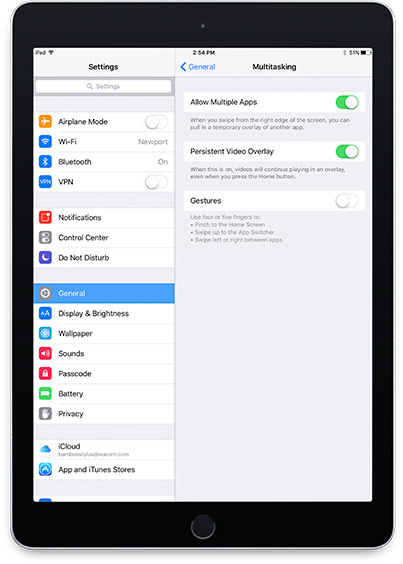
In "General" settings, Switch off "Gestures".

Next, install an app.
- Pressure-Sensitivity
- Palm-Rejection
- Shortcut-Functionality
-

Adobe® Capture
-

Adobe® Illustrator Draw
-

Adobe® Sketch
-

ArtRage
-

Astropad
-

Autodesk® SketchBook®
-

Bamboo™ Paper
-

Concepts
-
GoodNotes
-

ibisPaint X
-

Medibang
-
MyScript Smart Note
-

Notes Plus
-

Noteshelf
-

PDFpen®2
-

Pixelmator
-

Procreate®*
-

Tayasui Sketches
-
Zen Brush
-

ZoomNotes
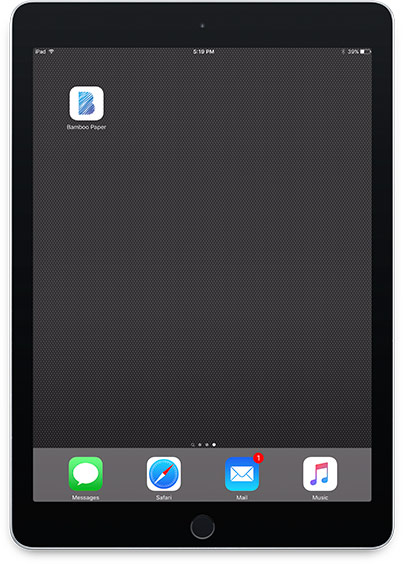
a) Open the app and find its Settings menu.
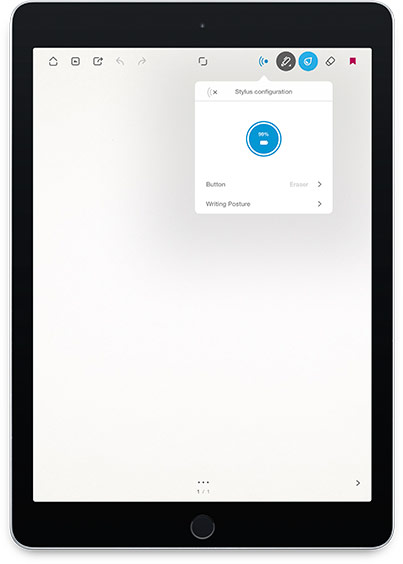
b) Open the Settings menu to enable the stylus support. You may need to open a notebook to pair your stylus.
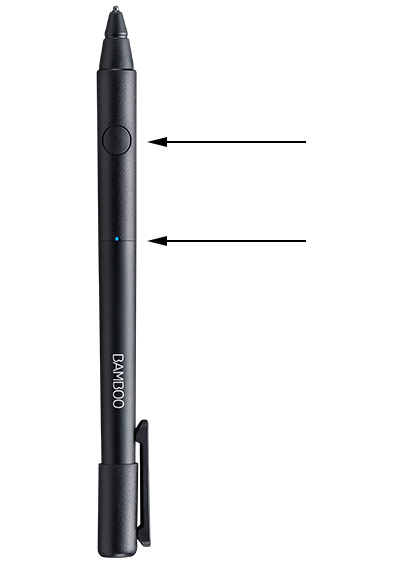
c) Press the button on your stylus. The LED starts blinking blue. Pairing is completed when the LED stays on.

Pairing your stylus with popular apps.
-

How to pair your stylus with Bamboo Paper for daily use
-

How to pair your stylus with Bamboo Paper for the first time
-

How to pair your stylus with Concepts
-

How to pair your stylus with GoodNotes
-

How to pair your stylus with MyScript Smart Note
-

How to pair your stylus with Notes Plus
-

How to pair your stylus with ZoomNotes


Recommendations and guidelines for cleaning your Wacom product
All Wacom products can be safely cleaned with 70 or 75 percent isopropyl alcohol (rubbing alcohol) when applied to a soft lint free cloth. Lightly wipe the moistened cloth on the hard, nonporous surfaces of your Wacom product, such as the display, or other exterior surfaces. Don't use bleach. Avoid getting moisture in any opening, and don't submerge your Wacom product in any cleaning agents. See below for additional tips or please contact your regional Wacom customer service team.